

BlazeRoutes sequences each technician's stops into the shortest driving order, shows you the before and after side by side, and changes nothing until you say so.
No credit card required · Set up in minutes · Cancel anytime
Free 30-minute walkthrough · Pick a time that works
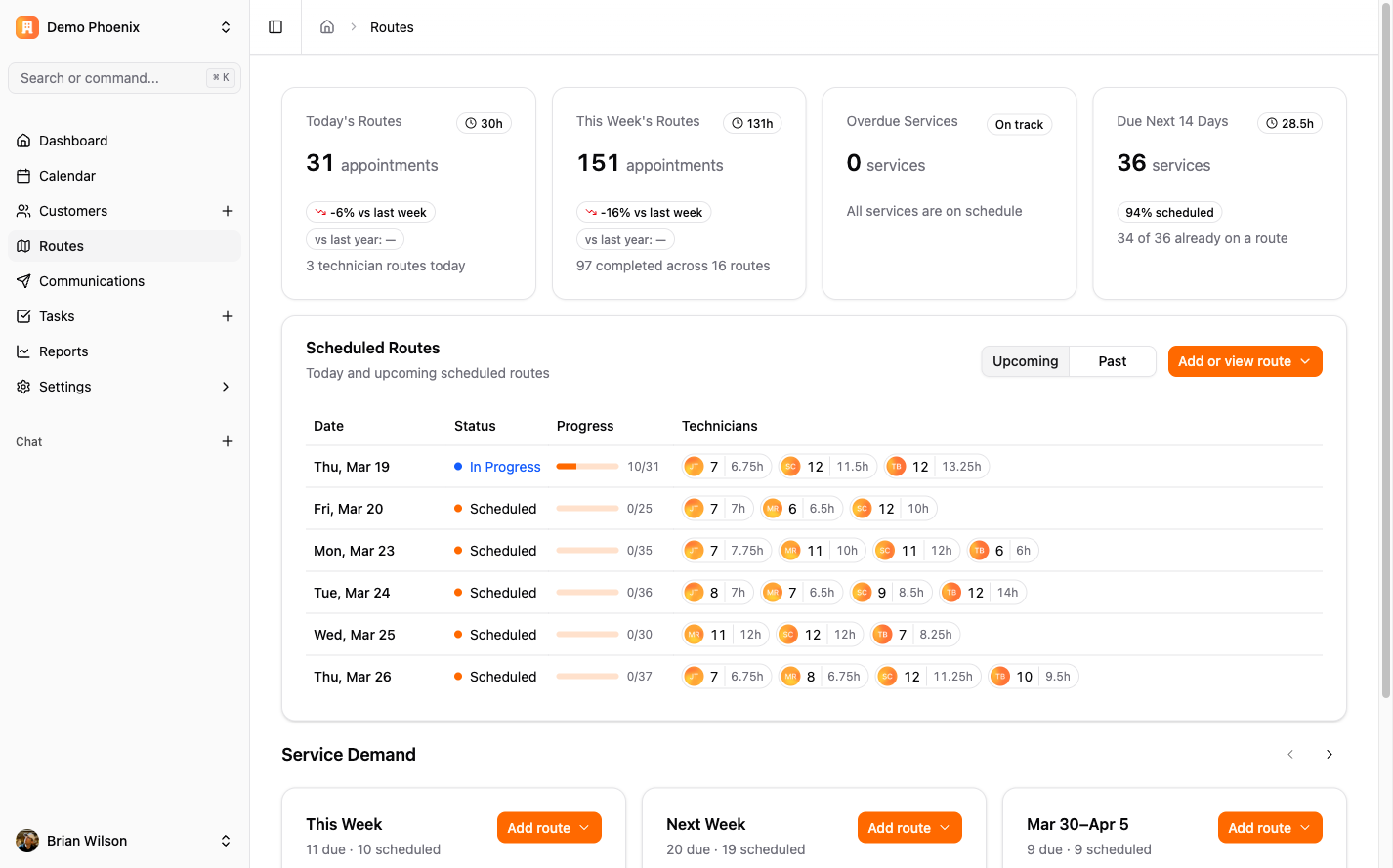
Optimizing doesn't quietly rewrite your day. BlazeRoutes reorders the route's service stops into the shortest driving sequence and shows you the current order beside the proposed one, with the drive-time difference between them. Breaks, lunch, and any other time blocks stay exactly where you put them. Nothing is saved until you apply it — and if there's no shorter order to find, it tells you that instead of shuffling stops for the sake of it.
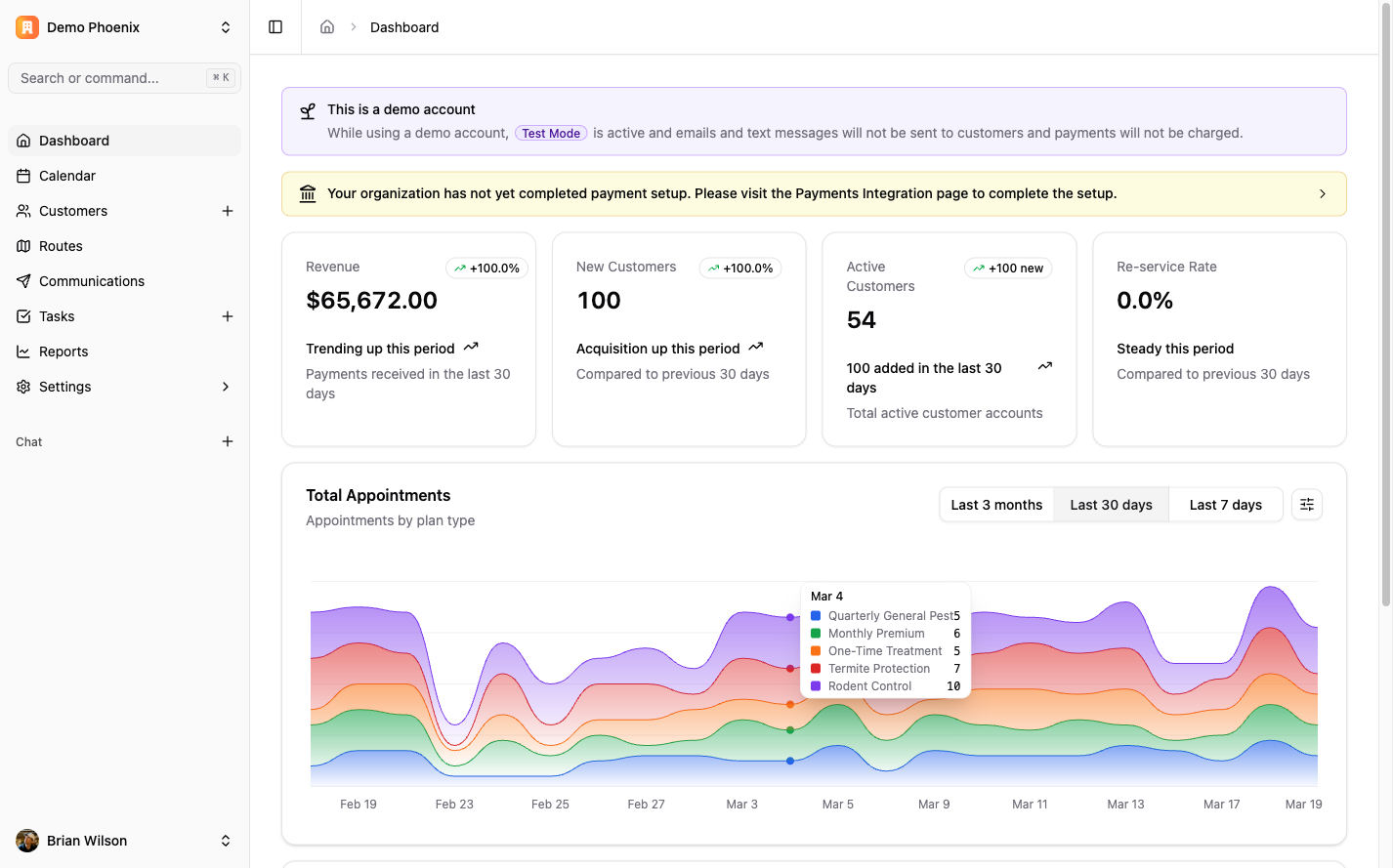
The dashboard puts the day's numbers next to a live map of where your technicians actually are. You can see who's running ahead, who's stuck, and whether the route you dispatched this morning still resembles the one being driven.
Every BlazeRoutes feature is included at every size — there are no tiers and nothing to upgrade to. See pricing →
It reorders the route's service stops into the shortest total driving sequence. Breaks, lunch, and other time blocks hold their position rather than being treated as stops to be moved around.
No. Optimizing produces a before-and-after comparison you review first. The route only changes when you apply it, and you can cancel out of the comparison without touching anything.
Put the preference on their service plan — specific days of the week, morning or afternoon, plus any notes that don't fit in a field. If a stop ends up scheduled against that preference, BlazeRoutes flags it on the route rather than letting you find out from the customer.
A route needs at least two service stops with map locations before there's anything to optimize. Beyond that there's no cap and no upgrade to buy — BlazeRoutes has one plan and every feature is in it.
Service history, balances, documents, and conversations all live on the customer record. Whoever picks up the phone has the whole picture in front of them.
Learn more →Drag work onto a technician's day and watch the route redraw. Recurring plans put themselves on the schedule, so you're only handling the exceptions.
Learn more →Invoices, payments, credits, and refunds live on one ledger per customer — with cards on file and a portal your customers can pay from without calling you.
Learn more →Reminders, on-the-way texts, receipts, and late notices go out on their own — from templates you write once, in your own voice, on the channel you choose.
Learn more →Technicians run the route, log what they applied, photograph the work, and take payment from their phone. The service record saves on the device and syncs itself when signal comes back.
Learn more →Start your free trial today — no credit card required.
Book a free 30-minute demo — we'll show you around.